Media

The logo and product images, for press, launch posts and anything you're writing about Dottr. Each one downloads at full size.

  • Dottr banner on a violet grid reading “AI Agent That Drafts, Reviews and E-signs Contracts. Turn a Verbal Yes to Signed Deal Instantly.” Dottr's avatar stands behind the composer, flanked by Draft, Review, Ask and Sign cards showing contract risk flags with suggested fixes.

    AI agent that drafts, reviews and e-signs contracts

    The launch banner. Dottr's headline and promise, with the four things it does, Draft, Review, Ask and Sign, around the composer.

    Download

    2000×1125 · WEBP · 119 KB

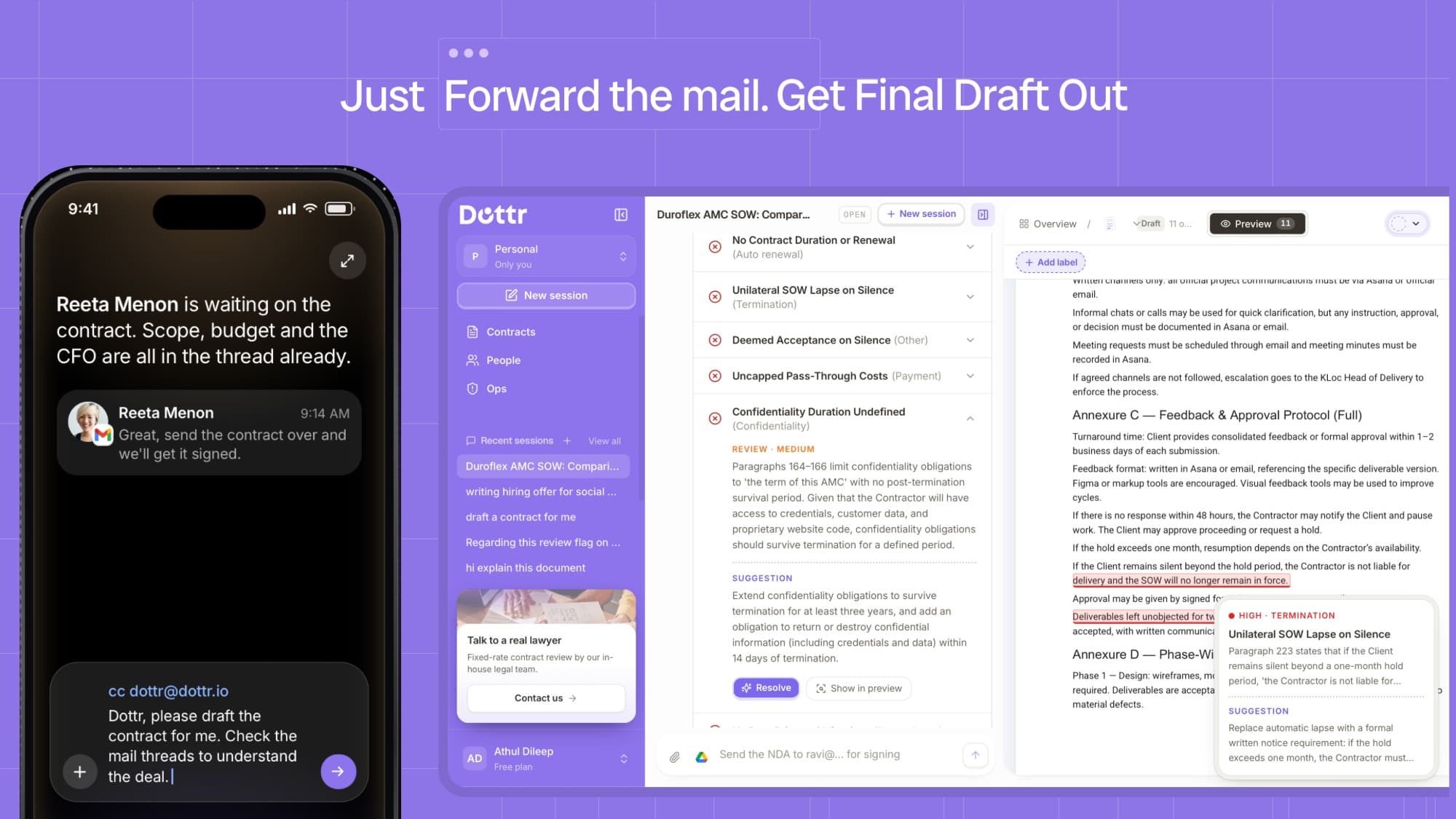
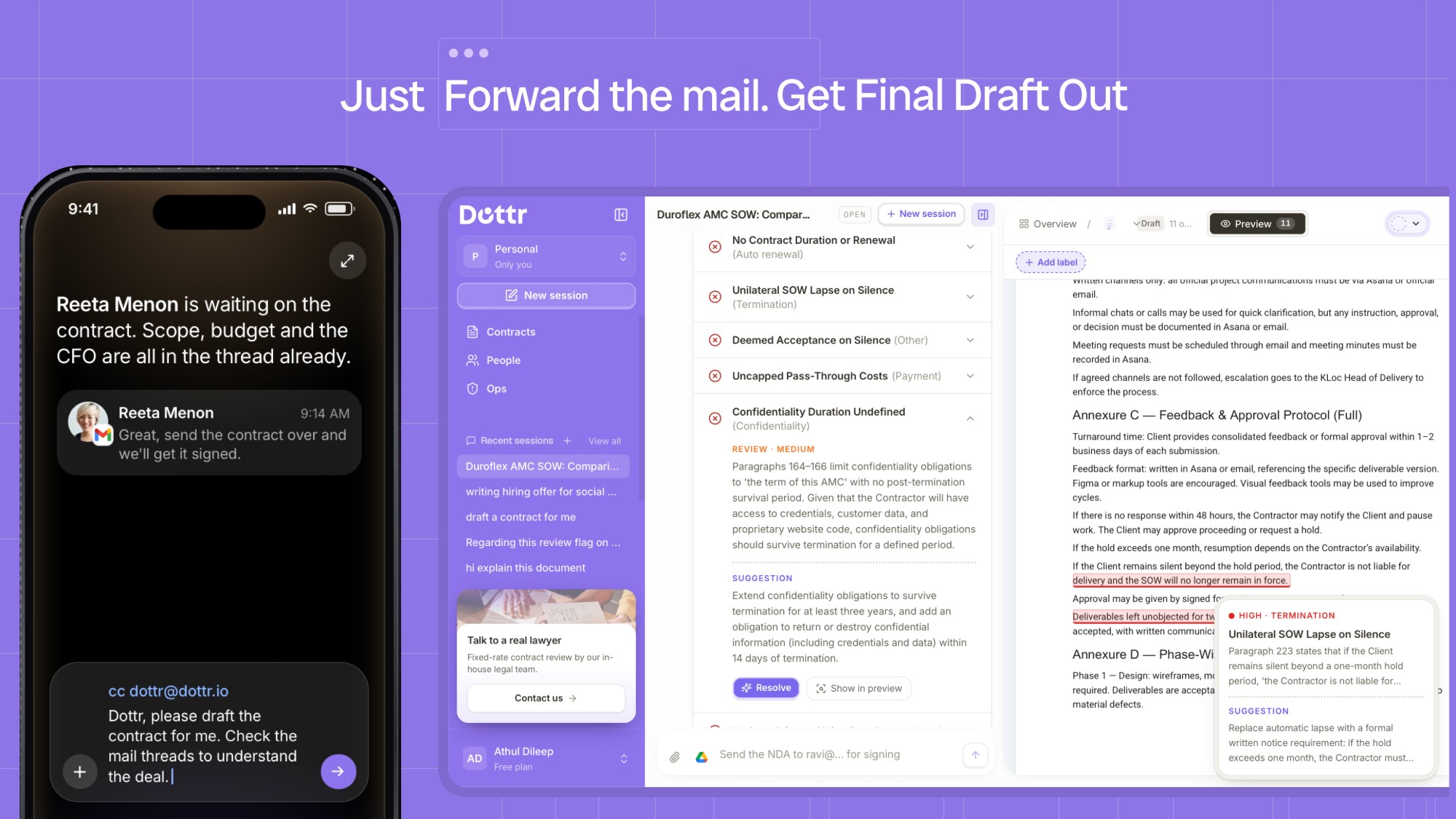
  • Headline “Just Forward the mail. Get Final Draft Out.” On the left, a phone shows a client's reply agreeing to the deal and an email that CCs Dottr asking it to draft the contract from the thread. On the right, the Dottr app reviews a statement of work, listing flagged clauses with a suggested fix beside the document.

    Just forward the mail. Get the final draft out.

    How a contract starts in Dottr: CC it on the email thread, and it drafts from what was agreed there and reviews the result.

    Download

    2000×1125 · JPG · 323 KB

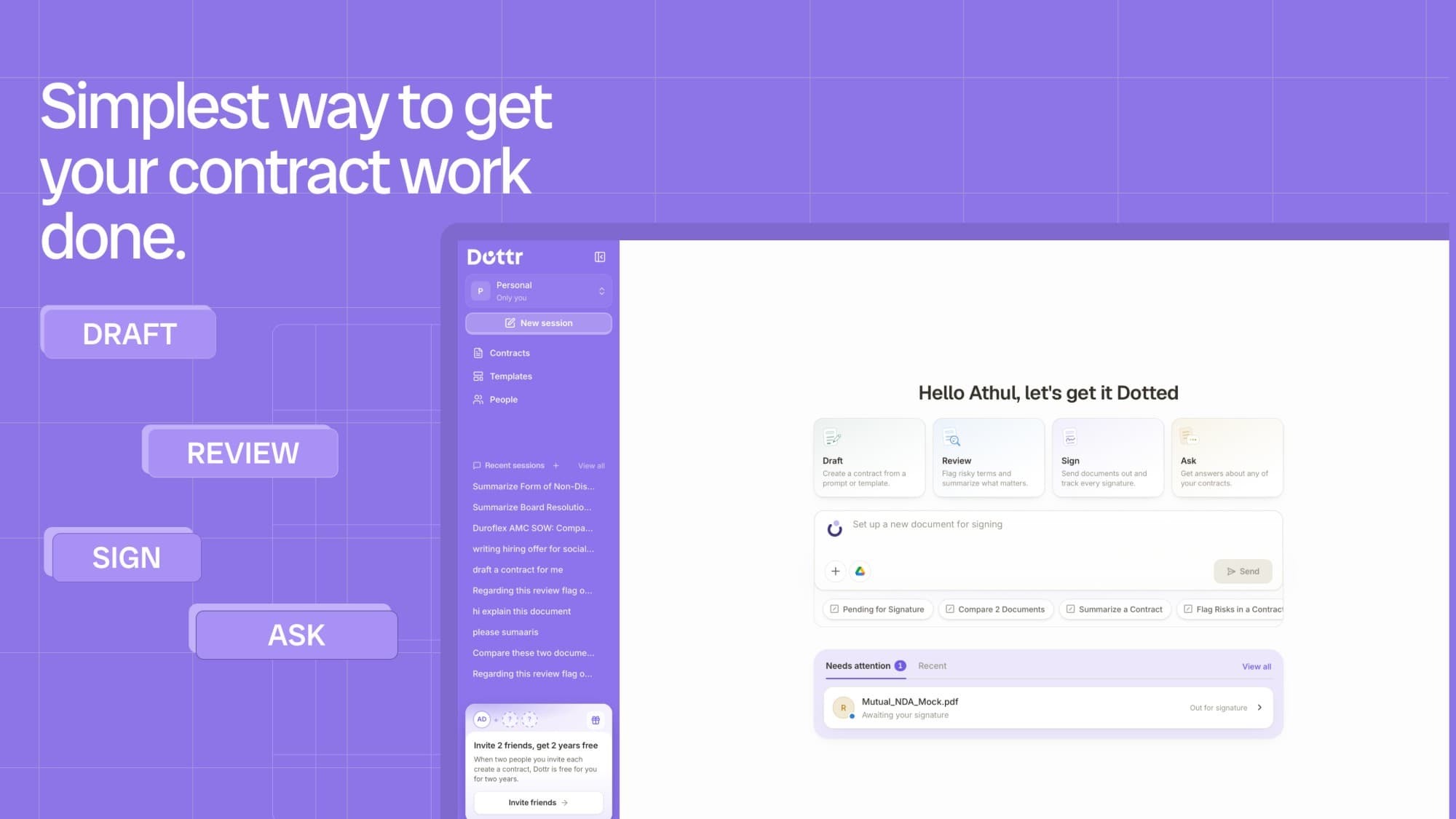
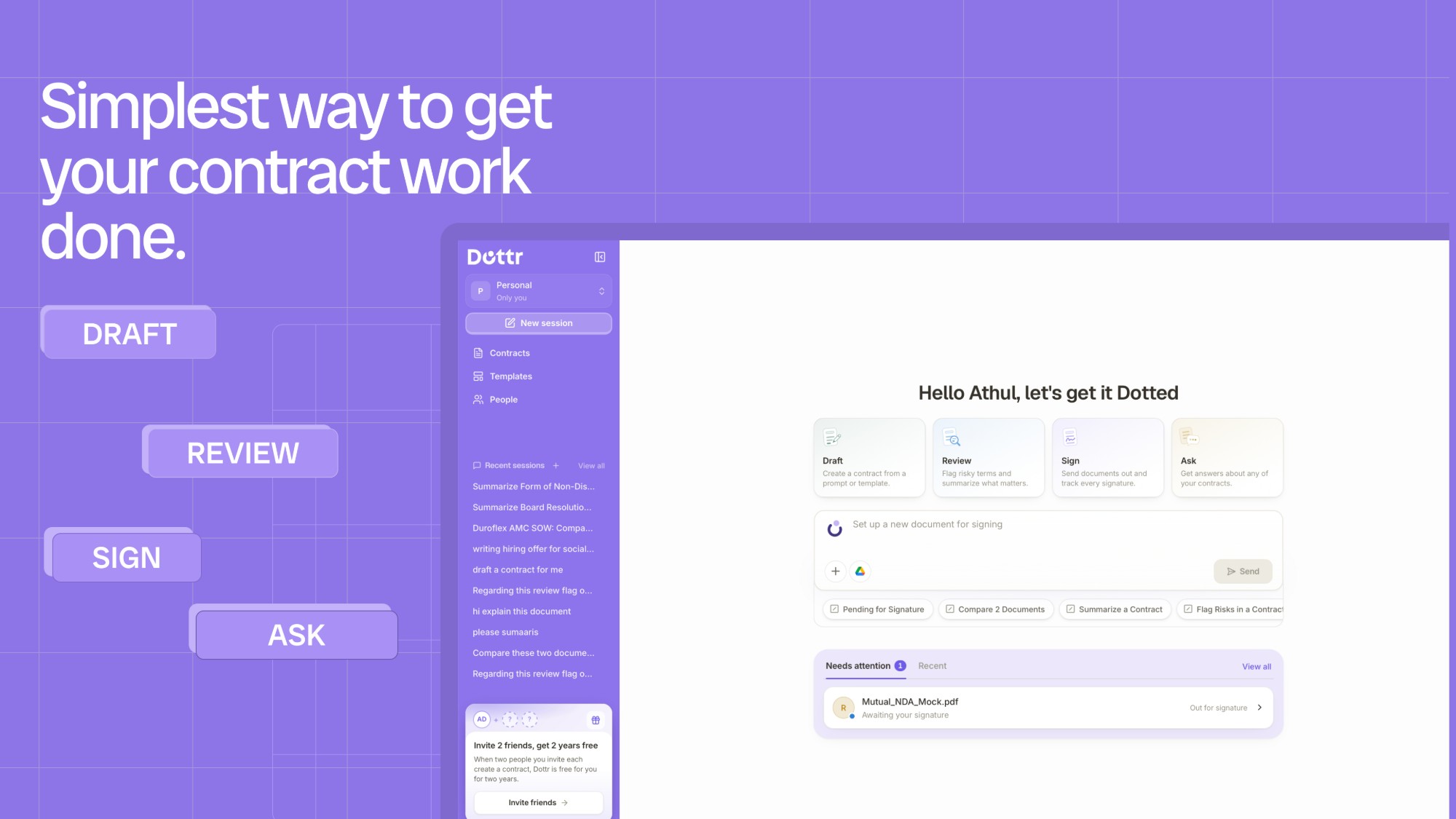
  • Headline “Simplest way to get your contract work done.” beside Draft, Review, Sign and Ask labels. The Dottr app's home screen greets the user, offers Draft, Review, Sign and Ask cards above the composer, and lists a contract awaiting signature under Needs attention.

    The simplest way to get your contract work done

    The Dottr home screen: one place to draft, review, sign and ask about contracts, with anything waiting on you at the bottom.

    Download

    2000×1125 · JPG · 160 KB

  • Dottr logo mark: a deep indigo crescent cupping a violet dot, on a white background.

    Dottr logo mark

    The mark on its own, for avatars, favicons and anywhere the full wordmark won't fit. Keep the space around it clear.

    Download

    1408×1408 · JPG · 186 KB